LaTeX Legal Document Templates (2026)
Legal documents need clause numbers that stay right, defined terms used the same way on every page, and a formal layout that does not drift over forty pages, and LaTeX does all three on its own. These free templates cover agreements, property documents, court filings and law-school work, with numbering and cross-references already set up.
Each opens on LetX and compiles in the browser in a few seconds. They are drafting starting points with fictional parties, not legal advice; have a qualified lawyer review anything you rely on.
The templates
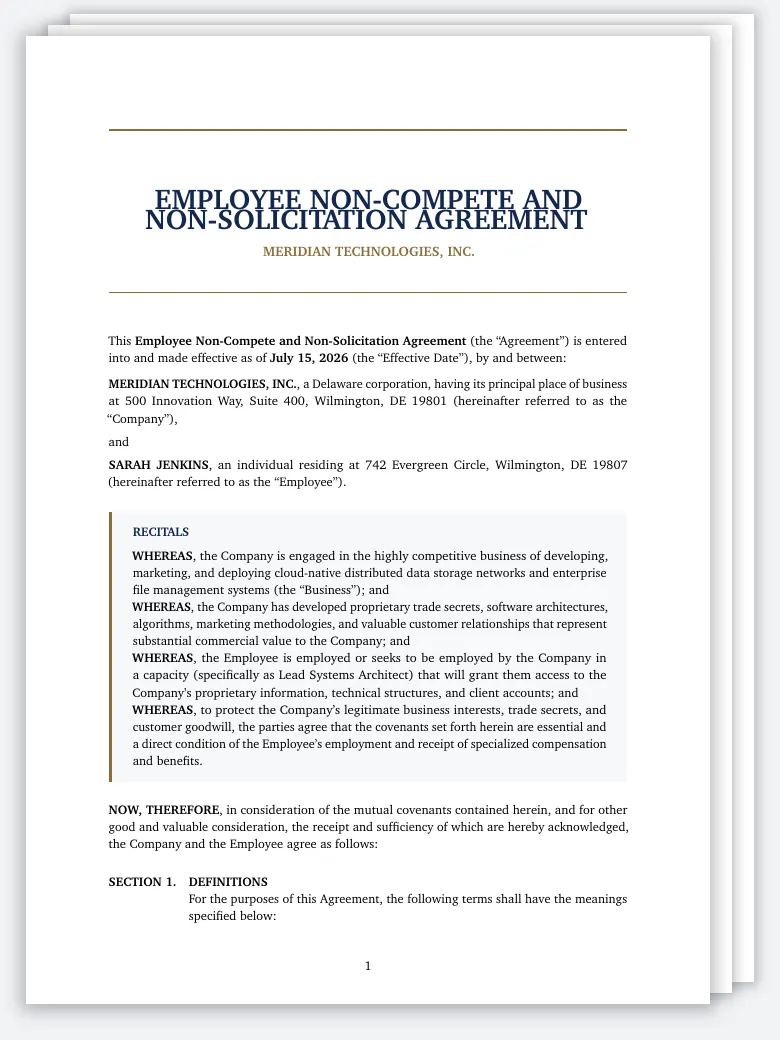
Non-Compete Agreement
Non-Compete Agreement LaTeX template, non compete agreement latex. Elegant, compile-tested, editable online a
Open in LetX →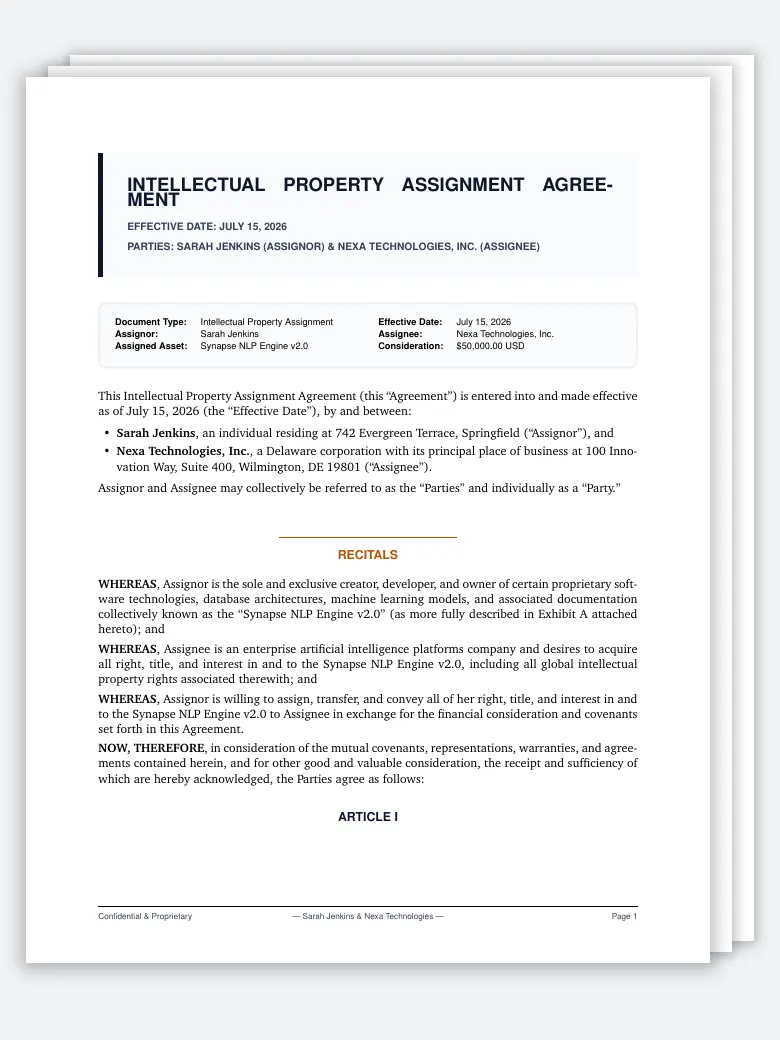
IP Assignment Agreement
IP Assignment Agreement LaTeX template, ip assignment latex template. Elegant, compile-tested, editable onlin
Open in LetX →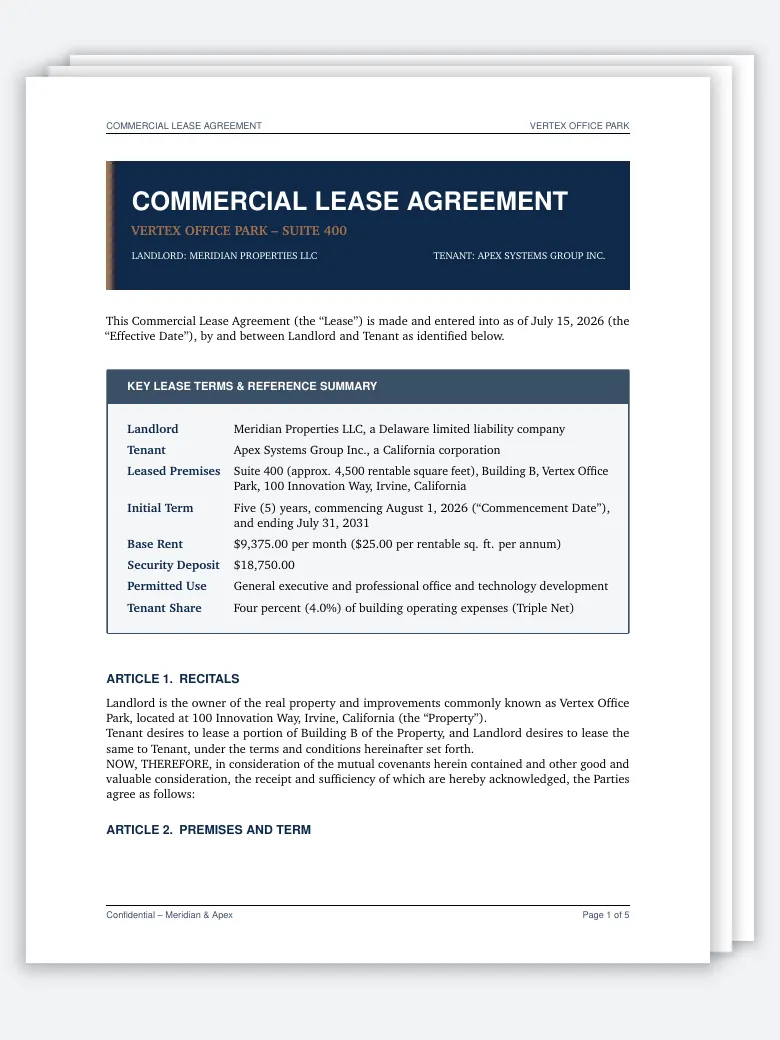
Commercial Lease Agreement
Commercial Lease Agreement LaTeX template, lease agreement latex template. Elegant, compile-tested, editable
Open in LetX →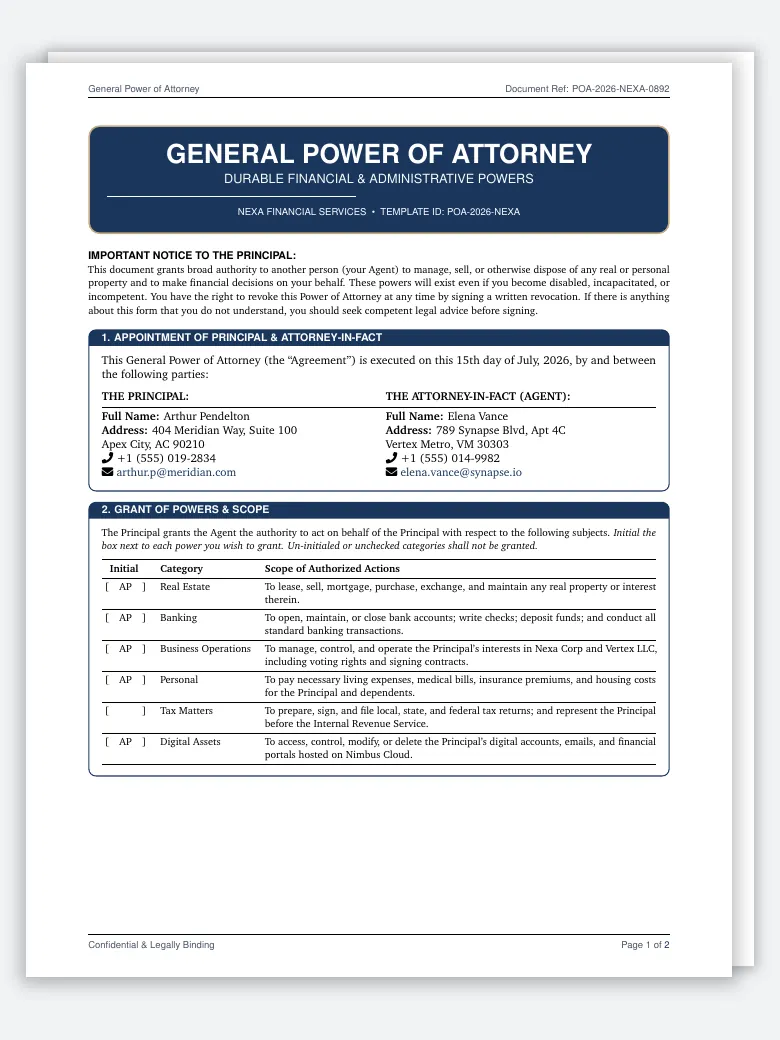
Power of Attorney Form
Power of Attorney Form LaTeX template, power of attorney latex template. Elegant, compile-tested, editable on
Open in LetX →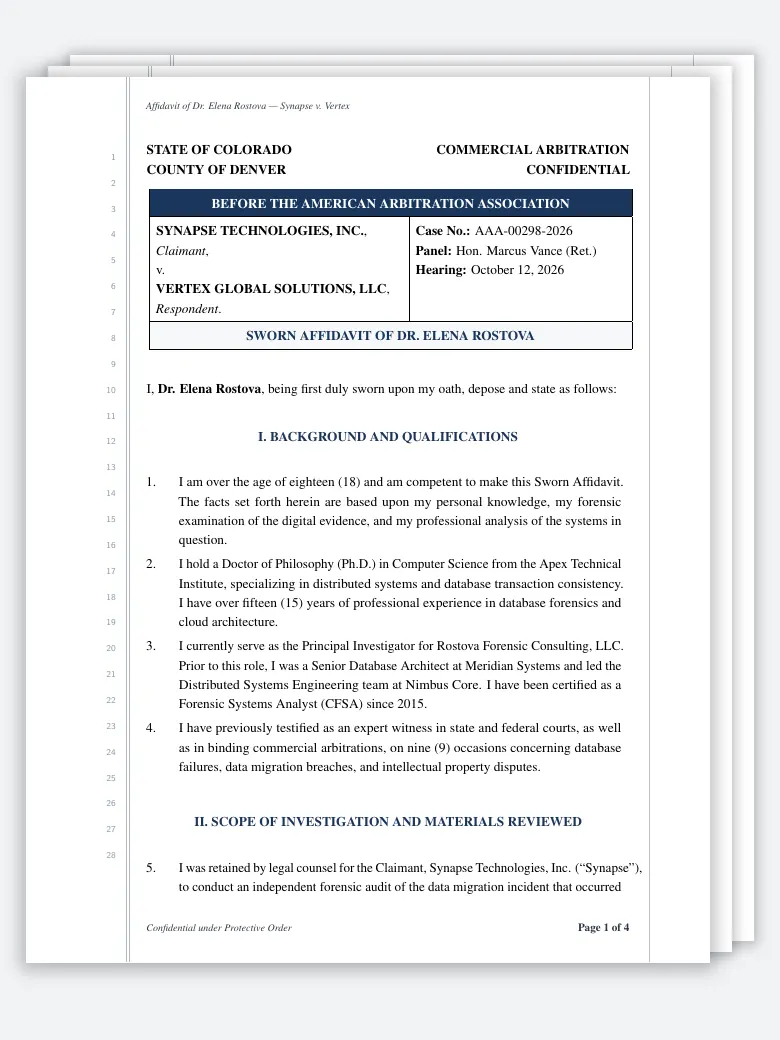
Sworn Affidavit
Sworn Affidavit LaTeX template, affidavit latex template. Elegant, compile-tested, editable online at letx.ap
Open in LetX →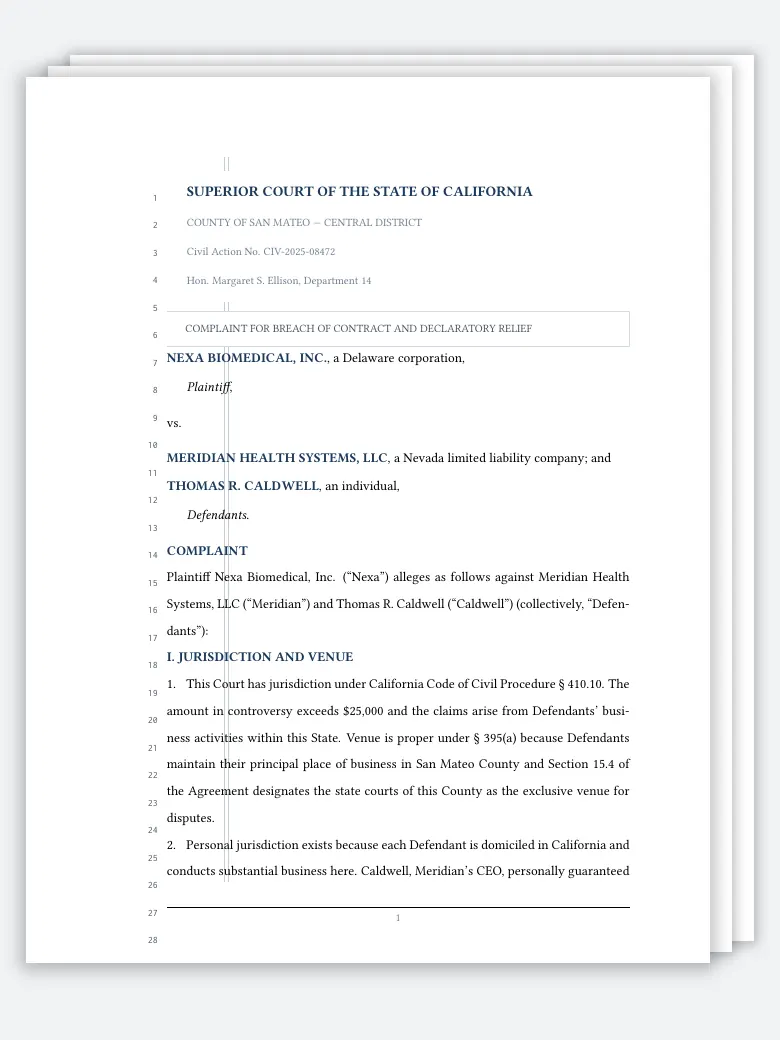
Legal Pleading Paper
Legal Pleading Paper LaTeX template, legal pleading paper latex. Elegant, compile-tested, editable online at
Open in LetX →Which one should you pick?
| If you need a... | Use |
|---|---|
| Employment restriction | Non-Compete Agreement |
| Assigning IP ownership | IP Assignment Agreement |
| Renting commercial space | Commercial Lease Agreement |
| Delegating authority | Power of Attorney Form |
| Sworn statement | Sworn Affidavit |
| Court filing | Legal Pleading Paper |
More legal templates in the catalogue
The six above are a starting point. The legal category has more, grouped here by what you are drafting:
- Contracts and commercial agreements: a general services contract with definitions, payment, confidentiality, IP and an exhibit; a mutual NDA; an employment non-disclosure and non-solicit; a consulting agreement with a statement of work; a SaaS service level agreement with service credits and incident response; IP licensing and patent licensing and royalty agreements; and an arbitration and dispute resolution agreement.
- Companies and founders: a shareholder agreement, a founder collaboration and equity vesting agreement with a vesting schedule chart, articles of incorporation with a table of share classes, and a privacy policy with GDPR terms.
- Property: a real estate purchase and sale agreement with escrow and contingency periods, and a commercial real estate lease set out in numbered articles.
- Courts and litigation: a litigation brief, an appellate brief with a table of authorities, and an amicus curiae brief with a table comparing how the circuits have ruled.
- Practice and law school: a legal memorandum (question presented, short answer, facts, analysis, recommendations), an opinion letter to a corporate client, a law school case brief, a cease and desist letter, a US patent specification with claims and an abstract, and a living will and healthcare power of attorney.
Why draft legal documents in LaTeX
- Numbering that renumbers itself. Clauses and sub-clauses are counters, not typed numbers. Add a clause 4 and the old 4 becomes 5 everywhere it is printed or referred to.
- Cross-references that follow the clause. Give a clause a
\labeland refer to it with\ref. “As set out in clause 7.2” stays right after every insertion, the kind of error that is easy to make in a word processor and hard to spot in a long agreement. - Defined terms written once. A command for each defined term keeps its formatting the same on every page. The services contract defines its terms with a
\deftermcommand and links each later use back to the definition. - Plain-text source. Two drafts can be compared line by line, and a library of standard clauses can live in separate files that each agreement pulls in with
\input. - The same PDF every time. Line breaks and page breaks do not move because someone opened the file in a different version of a word processor.
Clause numbering that never drifts
The cleanest way to number clauses is a list of your own made with the enumitem package: three levels, each with a label (what is printed beside the clause) and a ref (what \ref prints). This complete example numbers clauses 1, 1.1 and 1.1(a), and its cross-references stay correct however you reorder them:
\documentclass{article}
\usepackage{enumitem}

% Three levels of clauses: 1., 1.1 and (a). The ref key is what \ref prints.
\newlist{clauses}{enumerate}{3}
\setlist[clauses,1]{label=\textbf{\arabic*.}, ref=\arabic*}
\setlist[clauses,2]{label=\arabic{clausesi}.\arabic*, ref=\arabic{clausesi}.\arabic*}
\setlist[clauses,3]{label=(\alph*), ref=\arabic{clausesi}.\arabic{clausesii}(\alph*)}

% One command per defined term keeps it formatted the same everywhere.
\newcommand{\term}[1]{\textbf{\textquotedblleft #1\textquotedblright}}

\begin{document}
\begin{clauses}
  \item \textbf{Definitions}\label{cl:defs}
  \begin{clauses}
    \item \term{Confidential Information} means any information marked as confidential.\label{cl:ci}
    \item \term{Term} means two years from the Effective Date.\label{cl:term}
  \end{clauses}
  \item \textbf{Obligations}
  \begin{clauses}
    \item The Recipient shall protect Confidential Information (clause~\ref{cl:ci}).
    \item This applies during the Term defined in clause~\ref{cl:term}, except:
    \begin{clauses}
      \item information already public;\label{cl:public}
      \item information required by law to be disclosed.
    \end{clauses}
  \end{clauses}
\end{clauses}
The exclusion in clause~\ref{cl:public} does not narrow clause~\ref{cl:defs}.
\end{document}
Two details matter. In a level-two label, name the parent counter (\arabic{clausesi}); writing \arabic*.\arabic* repeats the current level’s counter and numbers the sub-clauses 1.1, 2.2, 3.3. And references resolve on a second pass, so a fresh \ref shows ?? until the document is compiled again. On LetX, latexmk runs the extra pass for you; if ?? survives a build, the label is misspelled (undefined references explains the rest).
Pleading paper, briefs and tables of authorities
Pleading paper is the line-numbered format some US courts require, California’s the best known. The pleading paper template draws numbered lines 1 to 28 down the left margin with TikZ, adds a superior court caption, and sets the body double-spaced (double spacing in LaTeX). Margins, spacing, caption layout and the number of lines are set by each court’s rules, so check the local rules before filing and adjust the geometry to match.
Briefs need a table of contents built from the argument headings, which LaTeX generates for you, and a table of authorities. The appellate brief template sets out its table of authorities as typed tables grouped into cases, constitutional provisions, statutes and regulations, and secondary authorities. The page numbers in it are entered by hand, so update them once the brief’s pagination is final. See the table of contents guide for the generated part.
Headers, page numbers and signature blocks
Contracts usually carry “Page 3 of 12” in the footer, so a missing page is obvious. The Non-Compete template does it with fancyhdr and the lastpage package (Page \thepage\ of \pageref{LastPage}); headers and footers and page numbering cover the variations. Loading hyperref makes every clause reference a clickable link in the PDF (hyperlinks in LaTeX), which reviewers on screen appreciate. Signature blocks are best written once as a command that takes the party’s name and title, so every signature page matches. For a cover letter on your firm’s paper, see letterhead templates and formal letters.
Reviewing a draft with a client or a colleague
On LetX you can share the project with a colleague as an Editor, or with a client as a Commenter who can leave notes beside a clause without changing it. Collaborators are free on every plan. Every save that changes a file becomes a version with who saved it and when, so you can open the draft as it stood at any round and restore it if a change goes wrong. When the draft is agreed, download the PDF for signature or the source as a zip for your records.
Browse every legal template at letx.app/templates/legal. All of them are MIT-licensed, compile-tested and editable in your browser.
Frequently asked questions
Can LaTeX number legal clauses automatically?
Yes. Define the clause list once with the enumitem package and every clause and sub-clause is numbered for you. Insert or delete a clause and the rest renumber on the next build, and every \ref to a clause follows it, so a cross-reference never points at the wrong clause.
Is there a LaTeX template for court pleading paper?
Yes. The Legal Pleading Paper template draws 28 numbered lines down the left margin with TikZ, with a superior court caption and an example complaint in the California style. Check your court's local rules for margins, spacing and line numbering before you file.
Do these templates count as legal advice?
No. They are formatting starting points with fictional parties and sample text. Have a licensed attorney review a document before you use it.
Can I send a LaTeX contract to someone who works in Word?
Send the PDF for review and signature. If the other side needs an editable file, download the source and convert it with Pandoc (pandoc contract.tex -o contract.docx), then check the result: LetX does not export Word itself, custom clause numbering may need fixing, and layouts drawn with TikZ, such as pleading-paper line numbers, do not survive the conversion.
Do I need to install LaTeX?
No. Open any template on LetX and it compiles in the browser on the full TeX Live, on any operating system, with nothing to install.
Keep reading
Ready to try LetX?
Join researchers and students focusing on their work, not the tools.
Get Started Free
Written by Shihab Shahriar Antor , AI Engineer & Founder of Shahriar Labs. Builder of LetX (collaborative LaTeX) and offSchool (SSC science and maths, learned through simulations).